
HubSpot Prospecting Agent: research before outreach
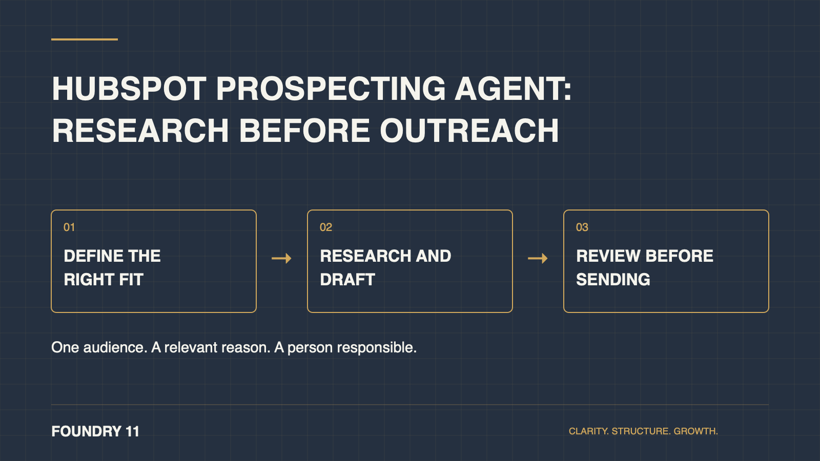
HubSpot Prospecting Agent helps identify suitable companies and contacts, research relevant signals and prepare personalised outreach. You guide that work through “plays”: instructions about who you want to reach and the value you offer. It can support sales preparation, but your team still needs to decide whether a message deserves to be sent. HubSpot’s setup guide explains the feature.
Our HubSpot agents overview introduces the wider agent family. This guide focuses on one practical question: how could you test help with prospecting while keeping the work relevant to the recipient?
Start with a reason for the conversation
Imagine a business that helps growing distributors connect sales and inventory systems. A sales representative notices a company expanding into a new region. That could be a reason to investigate whether the business faces a coordination problem.
It is not proof that the company needs a particular system. A useful message would distinguish the observed event from an assumption about the recipient’s operations.
This is an illustrative scenario. Before using any generated message, the representative should be able to answer: why this business, why this person, and why would this conversation be useful now?
Give the first pilot a narrow brief
Choose a segment your team understands and one offer it can explain plainly. Write a short working brief before configuring anything:
| Decision | Example for a pilot |
|---|---|
| Audience | A defined group of distributors in a market you serve. |
| Relevant problem | Sales and operations struggle to share reliable information. |
| Evidence to check | A current event or a verified detail relevant to that problem. |
| Exclusions | Businesses already in an active conversation or outside your service scope. |
| Useful next step | A short discussion to understand the process, without assuming a buying decision. |
These are proposed operating rules, not claims about settings every account exposes. Agree how your team will apply exclusions and check the records used for the pilot.
A vague brief such as “find businesses that need HubSpot” makes it difficult to judge the output. A specific problem gives the reviewer something concrete to assess.
Decide who reviews and who sends
HubSpot supports reviewed email outreach and sending without review, depending on configuration. It also provides sender options. Do not assume a generated message is waiting for approval simply because someone approved the overall play. Check the selected mode and sender before enrolling a pilot audience. Review HubSpot’s automation settings.
For an initial pilot, we recommend keeping each message subject to human review. Name the person who checks the research, edits the message and handles replies. Confirm what happens when that person is away.
Use a practical review checklist:
- Verify the company event and the recipient’s role.
- Separate evidence from a guess about business needs.
- Remove claims you could not defend in a real conversation.
- Check the offer, sender identity and proposed next step.
- Apply your organisation’s contact permissions and suppression process.
An AI-generated draft is not permission to contact someone. Your existing outreach rules still apply. More personal detail is not automatically more useful; keep the message focused on a relevant business reason.
Test quality before increasing volume
Choose a small reviewable sample and document what your representative would have done without the agent. This gives you a practical comparison, even when there is not enough activity for a reliable conversion-rate conclusion.
Record how many suggested prospects meet your brief, which research needs correcting and how much rewriting is required. After approved outreach begins, review the quality of replies and conversations, not just the number of messages generated.
Agree a pause point before the trial starts. Repeated incorrect assumptions, unsuitable contacts or messages that need complete rewriting are reasons to revisit the brief.
Check the account and credit requirements
HubSpot’s documentation lists eligible subscriptions, permissions and credit requirements. Credits can be used when personalised outreach is generated, including for manually enrolled leads. Confirm the current rules in your account before estimating a pilot budget. HubSpot’s guide and our AI costs checklist are starting points.
Also review the underlying ownership and contact information. Our CRM cleanup checklist can help identify preparation work before adding more automation.
Choose a first sales job you can assess
A useful pilot has one audience, a relevant business problem and a reviewer who knows what good outreach looks like. Decide whether the research and drafts improve the work before expanding the audience or relaxing review.
Where does your team lose time in prospecting? Talk with Foundry 11 about the process, the information it depends on and whether an agent is the right next step.
Common questions
Is a buying signal proof that someone wants to buy?
Treat it as a reason to investigate. Check the evidence and avoid presenting an inferred need as something the prospect has told you.
Should the first pilot send automatically?
Our recommendation is to review each message while you learn how well the brief and source information work. Decide separately whether broader automation is justified.
What would make the pilot worth continuing?
Useful research, suitable prospects and messages that lead to relevant conversations, with acceptable review effort and costs. Set those expectations before increasing volume.