
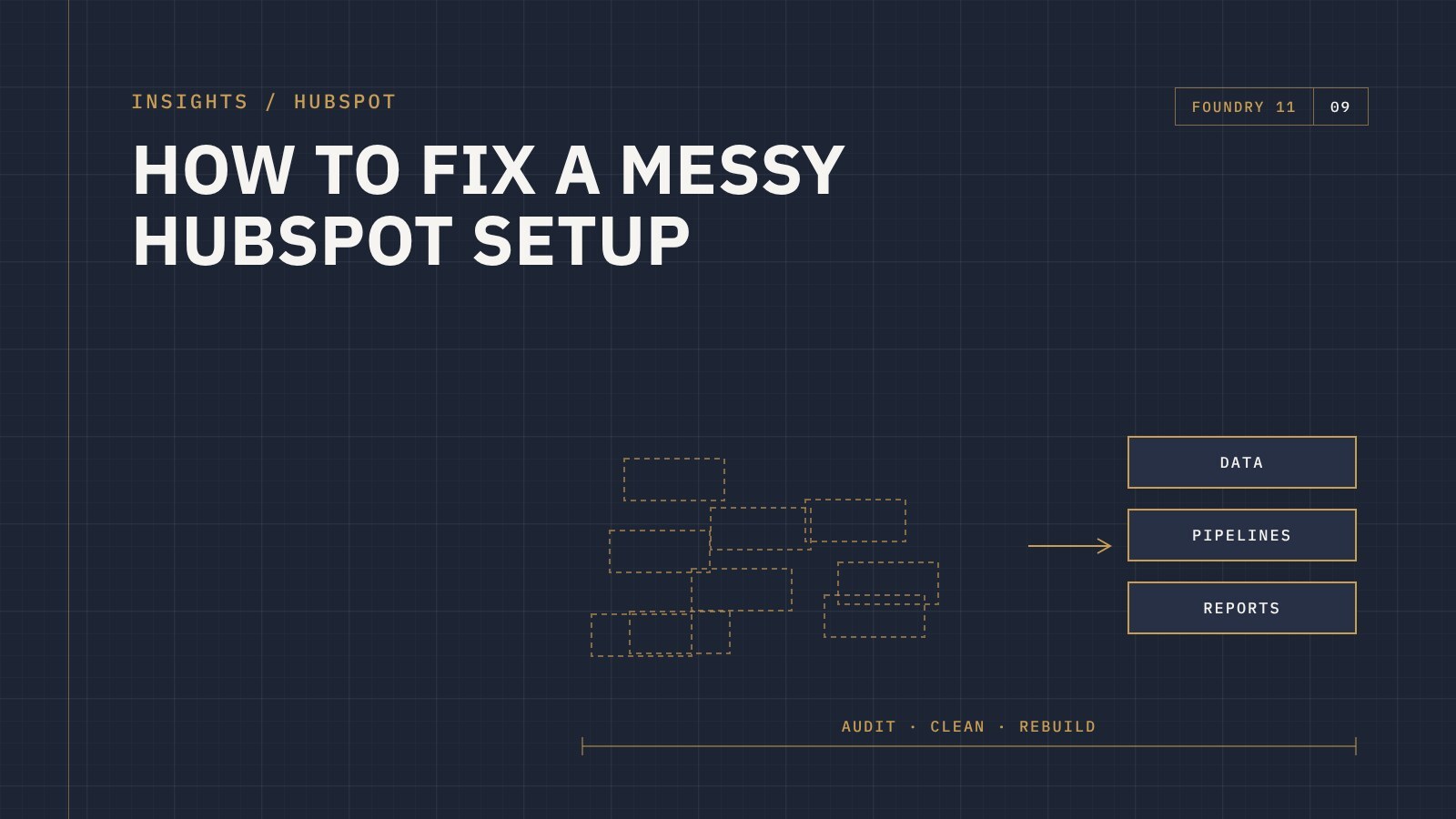
The short answer: fixing a messy HubSpot setup starts with an audit, not a rebuild. Work out how your business actually runs, compare it with how HubSpot is set up, then clean up in order: data and duplicates, properties, pipelines, workflows, and finally reports. Most portals can be fixed without starting again.
It rarely happens all at once. A few people set HubSpot up in a hurry. Someone imports a spreadsheet. A new manager adds their own pipeline. A contractor builds some workflows and leaves. A few years later, nobody trusts the data and the team is back to working in spreadsheets.
If that sounds familiar, here's how to get it back under control.
Signs your HubSpot needs a clean-up
- The same contact or company appears more than once
- There are hundreds of properties, and nobody knows what half of them are for
- Deal stages mean different things to different people
- Workflows fire when they shouldn't, or nobody knows what they do
- Leadership doesn't trust the reports
- Your team keeps a spreadsheet "just to be sure"
We cover the business cost of this in Is HubSpot hurting your business?
Step 1: Audit before you touch anything
Start by understanding how your business actually works today: how leads come in, how sales runs, how customers are handed to service, and what leadership needs to see. Then review HubSpot against that. Look at users and permissions, data quality, properties, pipelines, workflows, forms, integrations and reports.
The audit gives you a list of what to keep, fix, merge and remove, and the order to do it in.
Step 2: Clean the data
- Merge duplicate contacts and companies
- Standardise values like states, countries and job titles
- Fix company associations so contacts sit under the right companies
- Archive records that are clearly dead
Step 3: Tidy properties
Find properties that are empty or unused, and properties that do the same job. Merge or archive them, and give the ones you keep clear names and descriptions. Fewer, clearer properties make records easier to fill in and reports easier to build.
Step 4: Fix pipelines and stages
Each deal stage should have a clear definition that everyone agrees on, and ideally a clear entry rule. If you have several pipelines, check that each one reflects a genuinely different sales process, not just a different person's preference.
Step 5: Review workflows and integrations
List every active workflow, what triggers it and what it does. Turn off anything that's no longer needed, fix anything that conflicts, and document the rest. Check every integration too: what it syncs, in which direction, and whether it's creating duplicates.
Step 6: Rebuild the reports people need
Once the data and structure are right, rebuild the handful of reports and dashboards leadership actually uses. Reports built on clean data are reports people trust.
Step 7: Keep it clean
A clean-up only lasts if the habits change. Agree who owns HubSpot, who can create properties and workflows, and how new requests are handled. Then train the team on the updated setup. See getting your team to actually use HubSpot.
Fix it or start again?
Starting a new HubSpot account is rarely needed. You'd lose history and tracking and have to reconnect everything. In most cases a structured clean-up gets you to the same place with less disruption.
Frequently asked questions
How long does a HubSpot clean-up take?
It depends on the size of the portal and how many teams use it. Breaking the work into phases, starting with an audit, makes it easier to plan and budget.
Will cleaning up HubSpot break our workflows or reports?
It can if changes are made without checking what depends on what. That's why the audit comes first, and why changes are made in a planned order.
Can you fix HubSpot without disrupting the team?
Yes. Most clean-up work happens in the background, with changes rolled out in stages and the team briefed on anything that affects them.
Get help fixing your HubSpot
Foundry 11 is a HubSpot Solutions Partner that audits and fixes HubSpot setups for businesses across Australia and New Zealand. If your HubSpot isn't working the way it should, get in touch.