
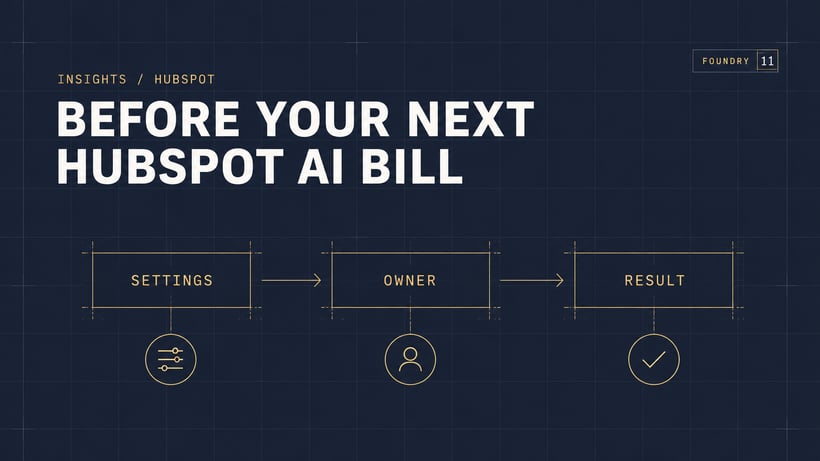
The short answer: before your next HubSpot AI bill, check the billing settings in your account, name the person responsible for usage, and choose one business result to measure. HubSpot announced more spending controls on 15 October 2026, but that does not tell you which settings apply to your own subscription.
It is easy for an AI trial to become part of everyday work before anyone decides how to judge it. Marketing switches on a tool, sales starts using another, and the person approving the invoice has a different view of what was agreed. A short review brings those decisions together.
What changed in HubSpot?
HubSpot’s 15 October announcement introduced spending controls, seat-to-credit swaps and a choice of credit packs or pay-as-you-go purchasing. These give teams more ways to manage how they buy and use AI.
Read the announcement as a reason to review your account. Avoid assuming that a headline describes every existing contract or billing configuration.
Check the settings that apply to your account
HubSpot’s credit-management documentation distinguishes auto-upgrade defaults for additional credits purchased before 16 September 2026 from pay-as-you-go defaults for purchases on or after that date. Your current settings matter.
Ask your admin to review Account & Billing → HubSpot Credits. Record the billing mode, monthly allowance, reset date and any account or tool limits. Credit-consuming features can pause when the applicable limit is reached. Agree how the team will handle that interruption.
A useful review leaves a short record that both the admin and budget owner understand. For example: which customer-facing task depends on the tool, who checks usage, and who steps in if it stops. This is an operating decision as well as a budget decision.
Put an owner against the work
Give each AI use case a named owner. That person should know what the tool is meant to do, what information it uses and when a human needs to review the result.
For a customer-support pilot, agree which questions it should handle and where uncertain answers go. For a sales task, agree who reviews the suggested next step before it reaches a customer. The right checks depend on the job.
Keep the brief simple:
- Task: what recurring work are we improving?
- Owner: who checks the output and follows up problems?
- Boundary: what needs human approval?
- Fallback: what happens if the tool is unavailable?
- Review date: when will we decide whether to continue?
Measure a result your team can recognise
Usage alone does not tell you whether a tool is helping. Choose a small task and record how it works today before changing it.
For example, if your team is testing help with enquiry replies, compare preparation time, the amount of editing needed and whether the answer addresses the question. Treat this as a proposed test, not a promise that AI will save a set number of hours.
At the review, ask the people doing the work what improved and what still needs attention. Continue, adjust or stop the pilot based on that evidence and its cost.
If the output keeps exposing missing information or unclear stages, fix the foundation. Our guide to cleaning up a messy HubSpot setup explains where to start. If the team is working around the system, read getting your team to use HubSpot.
Your next-bill checklist
- Confirm which billing settings apply to your account.
- List the AI tasks your team is using.
- Name the budget owner and the owner of each task.
- Agree what happens when a limit or quality problem interrupts the work.
- Set one review date and one clear measure of usefulness.
Talk through your next step
You do not need to turn every new release into a project. Start with one process that matters to your team and a clear way to judge the result. If you would like help choosing where to begin, get in touch with Foundry 11 and tell us which task creates the most work. We can talk through the setup, the information it depends on and what to check first.
Reviewed 31 October 2026. Product availability, billing settings and rates can change; check your account and the linked HubSpot documentation before making purchasing decisions.