
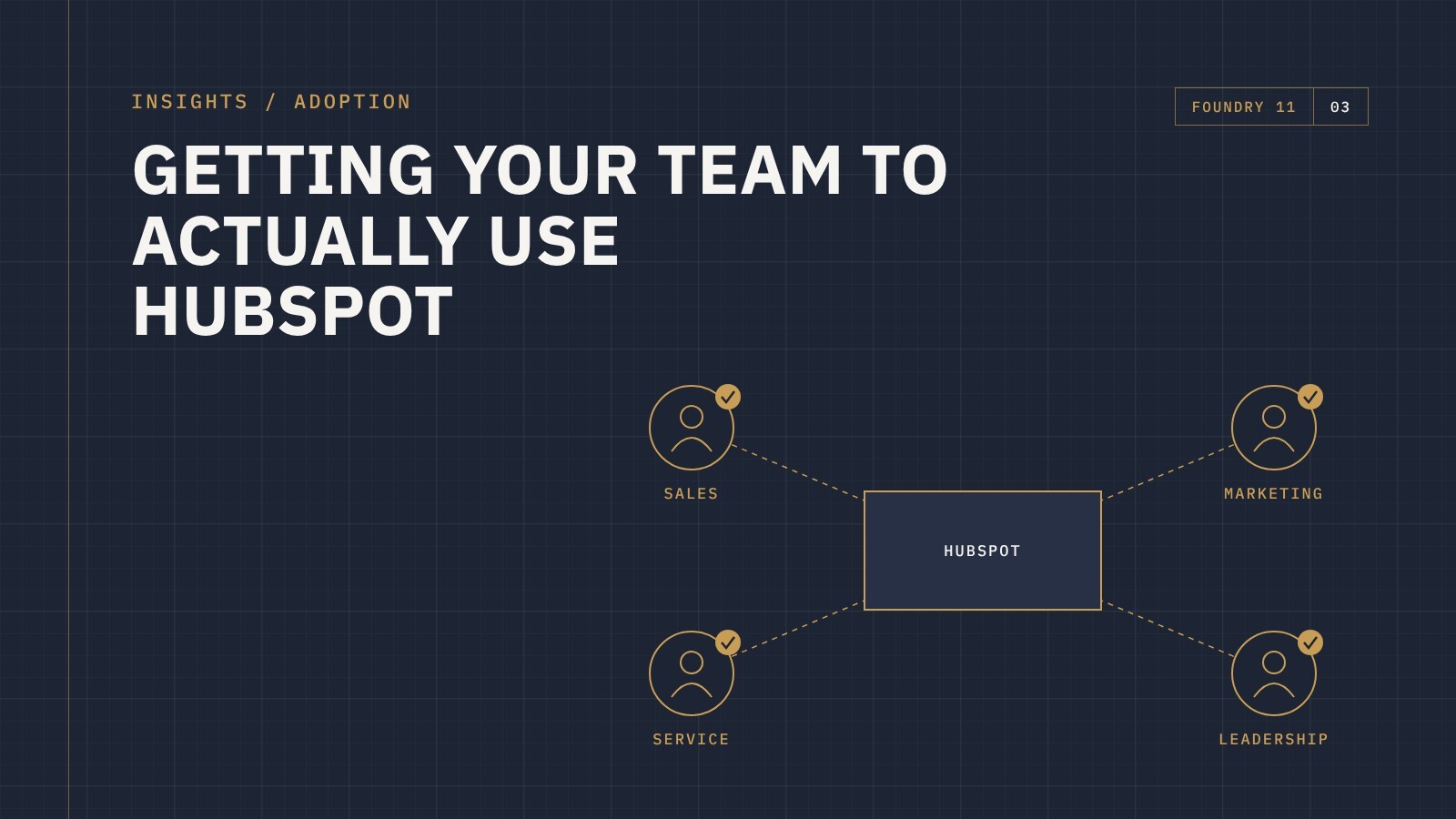
Most HubSpot projects don't fail at launch. They fail quietly over the following months. The system goes live, a few people use it properly, and everyone else drifts back to spreadsheets, inboxes and sticky notes. A year later, the business is paying for a platform that only half the team trusts.
Adoption isn't a training problem you solve with one session. It's the result of how HubSpot is set up, how it fits into each person's day, and whether using it actually makes their job easier.
Why adoption stalls
When teams avoid HubSpot, there's usually a good reason behind it:
- It doesn't match how they work. The pipeline, fields and steps reflect how someone thought the process should run, not how it actually runs.
- It's more work, not less. If logging an activity takes longer than sending the email, people skip it.
- They don't trust the data. One bad experience with duplicate or outdated records and people stop relying on it.
- They can't see what's in it for them. If HubSpot only serves management reporting, the people entering data get nothing back.
- Management aren't using it. This gives the team a reason why they don't need to be using it.
Set it up around real roles
A salesperson, a marketer and a service rep need very different things from HubSpot. Showing everyone every property, every tab and every report creates noise.
Tailor what each role sees: record layouts that surface the fields that matter to them, views and filters for their own work, and dashboards that answer the questions they actually ask. When someone opens HubSpot and it immediately shows them what they need, they keep opening it.
Remove the busywork
Every manual step is a reason not to use the system. Look for the repetitive work and automate it: assigning new leads, creating follow-up tasks, updating stages when something happens, notifying the right person at the right time. Connect your email and calendar so activity is captured without extra effort.
The goal is simple: using HubSpot should be the easiest way to get the job done.
Train for the job, not the features
Generic HubSpot training covers everything the platform can do. Most of it isn't relevant to any one person. Effective training is short, role-specific and built around daily tasks: here's how you see your leads for today, here's how you log a call, here's how you move a deal forward.
Back it up with simple documentation people can return to, and make sure there's someone they can ask when they get stuck.
Get leaders using it first
If managers still ask for updates by email or run meetings from spreadsheets, the team gets a clear message: HubSpot is optional. When leaders run pipeline meetings from HubSpot dashboards and ask "is it in HubSpot?", usage follows quickly.
Measure adoption, then refine
HubSpot can show you who's logging in, which records are being updated and where data is missing. Use that to spot where people are struggling, then find out why. Often a small change, like removing a field nobody uses or fixing a confusing stage, makes a noticeable difference.
Adoption isn't a one-off milestone. As your business changes, your HubSpot setup should change with it.
The bottom line
Your team will use HubSpot when it fits how they work, saves them time and gives them something back. That comes from setting it up around real roles, removing busywork, training for the job and staying involved after go-live.
If your team isn't getting the most out of HubSpot, get in touch and tell us where things are at. We'll talk through what's holding adoption back and how to fix it.