
Should your website be on HubSpot Content Hub?
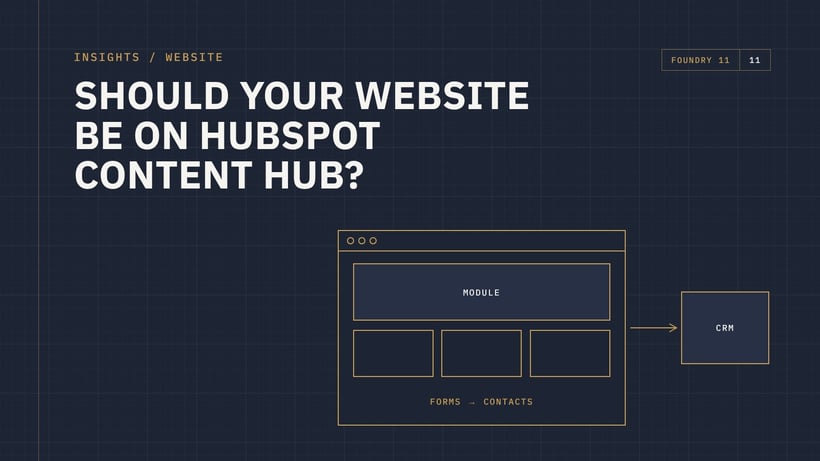
The short answer: building your website on HubSpot Content Hub makes the most sense when you already use HubSpot, or plan to, and you want your website, forms, CRM and marketing in one place. Hosting is included, and a well-built theme lets your team edit pages. Forms can create or update CRM records; page-view history can be linked to identified contacts when tracking, cookies and consent settings allow it. If you need a large online store or highly custom functionality, WordPress or a dedicated ecommerce platform may suit better.
For many businesses, the website and the CRM are two separate worlds. Leads come through a form, land in an inbox, and someone copies them across. Marketing can't easily see which pages turn into sales. And every website change waits on a developer.
Building on Content Hub, HubSpot's website and content product (previously called CMS Hub), closes that gap. But it isn't right for everyone. Here's how to decide.
What you get with Content Hub
- Website and CRM together. Forms can feed contact records, while eligible tracked activity helps sales understand a known contact’s interest. Anonymous or untracked visits will not provide a complete personal browsing history.
- Hosting included. There's no separate hosting to buy, and no plugins or core updates to manage.
- Editing without a developer. A well-built HubSpot theme gives your team modules they can edit and rearrange, with fields for text, images and buttons.
- Personalisation. Smart content for website pages is available with Content Hub Professional and Enterprise. Rules based on contact membership or lifecycle stage apply to tracked contacts.
- Built-in reporting. Traffic, conversions and campaign results sit alongside your CRM data.
When Content Hub is a strong fit
- You already use HubSpot for marketing or sales
- Your website's main job is generating and nurturing leads
- Your team wants to update the site themselves
- You'd rather not manage hosting, plugins and updates
When WordPress or another platform may suit better
- You need a large online store. A platform like WooCommerce or BigCommerce, connected to HubSpot, is usually a better fit.
- You rely on specialist plugins with no HubSpot equivalent
- You don't use HubSpot and don't plan to
Choosing WordPress doesn't mean losing HubSpot. HubSpot forms, tracking and chat can run on a WordPress site too. You just don't get everything in one system.
What to look for in a HubSpot website build
Custom modules, not one big text box
The best HubSpot sites are built from modules with clear, editable fields. That keeps the design consistent and makes updates safe for non-technical staff.
When choosing a build team, use our guide to choosing a HubSpot Solutions Partner.
Forms connected to your CRM properly
Every form should map to the right contact properties and trigger the right follow-up, so leads go to the right person straight away.
SEO and AI visibility from the start
Use clear page titles, descriptive headings, useful answers and relevant internal links. Add structured data only where it matches the visible content. These support a sound search foundation; a platform or markup choice does not guarantee rankings or AI citations.
A plan for moving from your old site
Map old URLs to relevant new pages and implement redirects as part of the launch plan. Check forms, tracking, internal links and important pages after launch, then monitor search performance. Redirects help users and search engines find moved content; they do not guarantee unchanged rankings.
Frequently asked questions
Is HubSpot CMS the same as Content Hub?
Yes. HubSpot's website product used to be called CMS Hub. It's now part of Content Hub, which also includes HubSpot's content and AI tools.
Is Content Hub good for SEO?
Yes, if the site is built well. HubSpot gives you control over titles, descriptions, URLs and redirects, and includes SEO recommendations. As with any platform, content and structure matter most.
Can I move my existing website to HubSpot?
Yes. The design is rebuilt as a HubSpot theme, content is moved across, and redirects are set up from the old URLs.
Do I need HubSpot's marketing tools to use Content Hub?
No, but your website delivers the most value when it's connected to the rest of HubSpot.
Talk to us about your website
Foundry 11 designs and builds websites on HubSpot Content Hub and WordPress for businesses across Australia and New Zealand. If you're planning a new website, get in touch and we'll help you work out which platform suits you.