
Should your website be on HubSpot Content Hub?
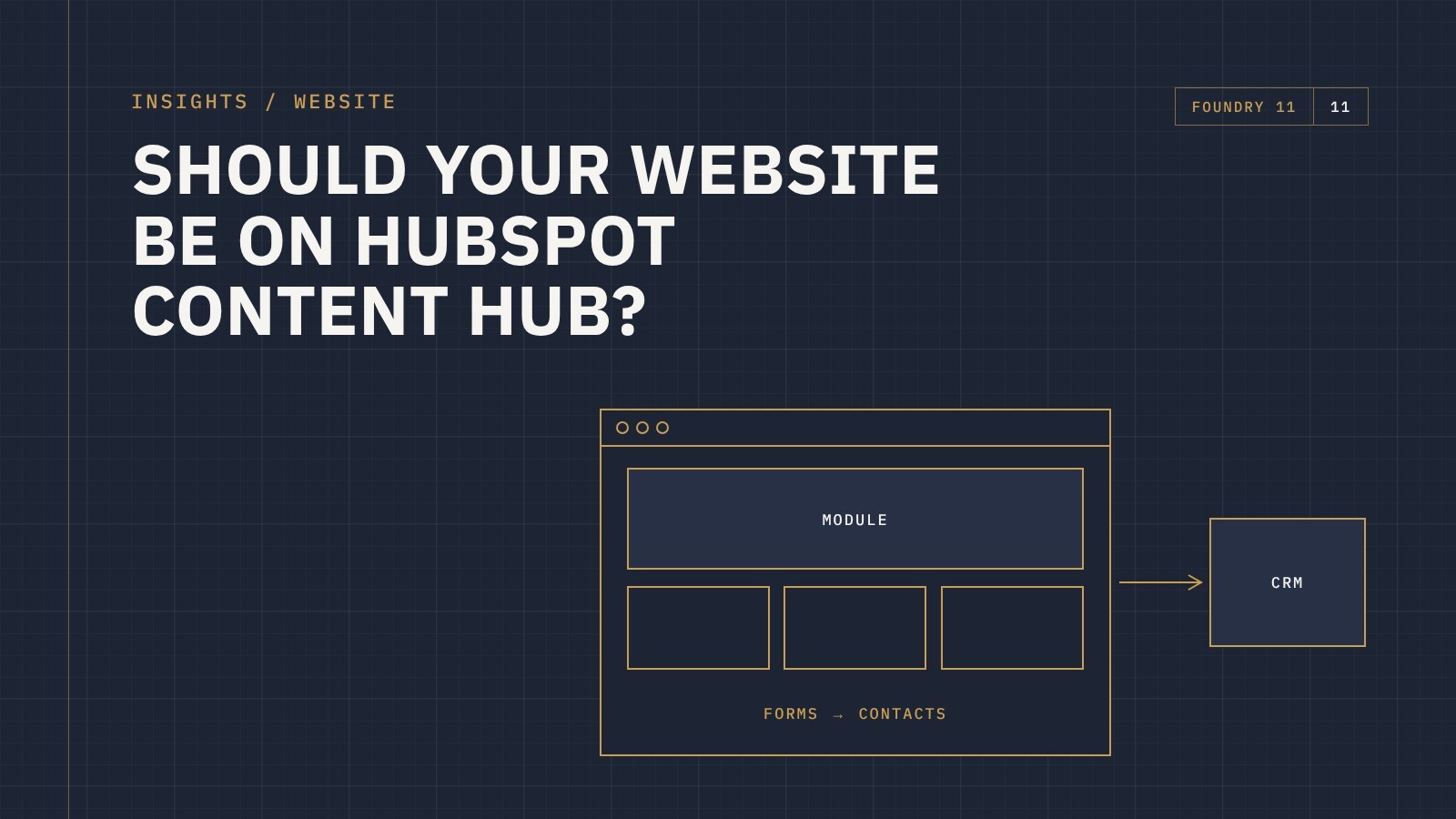
The short answer: building your website on HubSpot Content Hub makes the most sense when you already use HubSpot, or plan to, and you want your website, forms, CRM and marketing in one place. Hosting is included, your team can edit pages without a developer, and every form and page view connects straight to your contact records. If you need a large online store or highly custom functionality, WordPress or a dedicated ecommerce platform may suit better.
For many businesses, the website and the CRM are two separate worlds. Leads come through a form, land in an inbox, and someone copies them across. Marketing can't easily see which pages turn into sales. And every website change waits on a developer.
Building on Content Hub, HubSpot's website and content product (previously called CMS Hub), closes that gap. But it isn't right for everyone. Here's how to decide.
What you get with Content Hub
- One system for website and CRM. Forms, page views and conversions are tied to contact records, so sales can see what a lead looked at before they got in touch.
- Hosting included. There's no separate hosting to buy, and no plugins or core updates to manage.
- Editing without a developer. A well-built HubSpot theme gives your team modules they can edit and rearrange, with fields for text, images and buttons.
- Personalisation. On paid tiers, content can change based on what you know about the visitor from your CRM.
- Built-in reporting. Traffic, conversions and campaign results sit alongside your CRM data.
When Content Hub is a strong fit
- You already use HubSpot for marketing or sales
- Your website's main job is generating and nurturing leads
- Your team wants to update the site themselves
- You'd rather not manage hosting, plugins and updates
When WordPress or another platform may suit better
- You need a large online store. A platform like WooCommerce or BigCommerce, connected to HubSpot, is usually a better fit.
- You rely on specialist plugins with no HubSpot equivalent
- You don't use HubSpot and don't plan to
Choosing WordPress doesn't mean losing HubSpot. HubSpot forms, tracking and chat can run on a WordPress site too. You just don't get everything in one system.
What to look for in a HubSpot website build
Custom modules, not one big text box
The best HubSpot sites are built from modules with clear, editable fields. That keeps the design consistent and makes updates safe for non-technical staff.
Forms connected to your CRM properly
Every form should map to the right contact properties and trigger the right follow-up, so leads go to the right person straight away.
SEO and AI visibility from the start
Clear page titles and descriptions, sensible headings, redirects from old URLs, structured data and answers to the questions your buyers ask all help your site get found in search and AI tools.
A plan for moving from your old site
Map every old URL to its new home and set up redirects before launch, so you keep the search rankings you've already earned.
Frequently asked questions
Is HubSpot CMS the same as Content Hub?
Yes. HubSpot's website product used to be called CMS Hub. It's now part of Content Hub, which also includes HubSpot's content and AI tools.
Is Content Hub good for SEO?
Yes, if the site is built well. HubSpot gives you control over titles, descriptions, URLs and redirects, and includes SEO recommendations. As with any platform, content and structure matter most.
Can I move my existing website to HubSpot?
Yes. The design is rebuilt as a HubSpot theme, content is moved across, and redirects are set up from the old URLs.
Do I need HubSpot's marketing tools to use Content Hub?
No, but your website delivers the most value when it's connected to the rest of HubSpot.
Talk to us about your website
Foundry 11 designs and builds websites on HubSpot Content Hub and WordPress for businesses across Australia and New Zealand. If you're planning a new website, get in touch and we'll help you work out which platform suits you.