
Moving to HubSpot from another CRM: what a migration actually involves
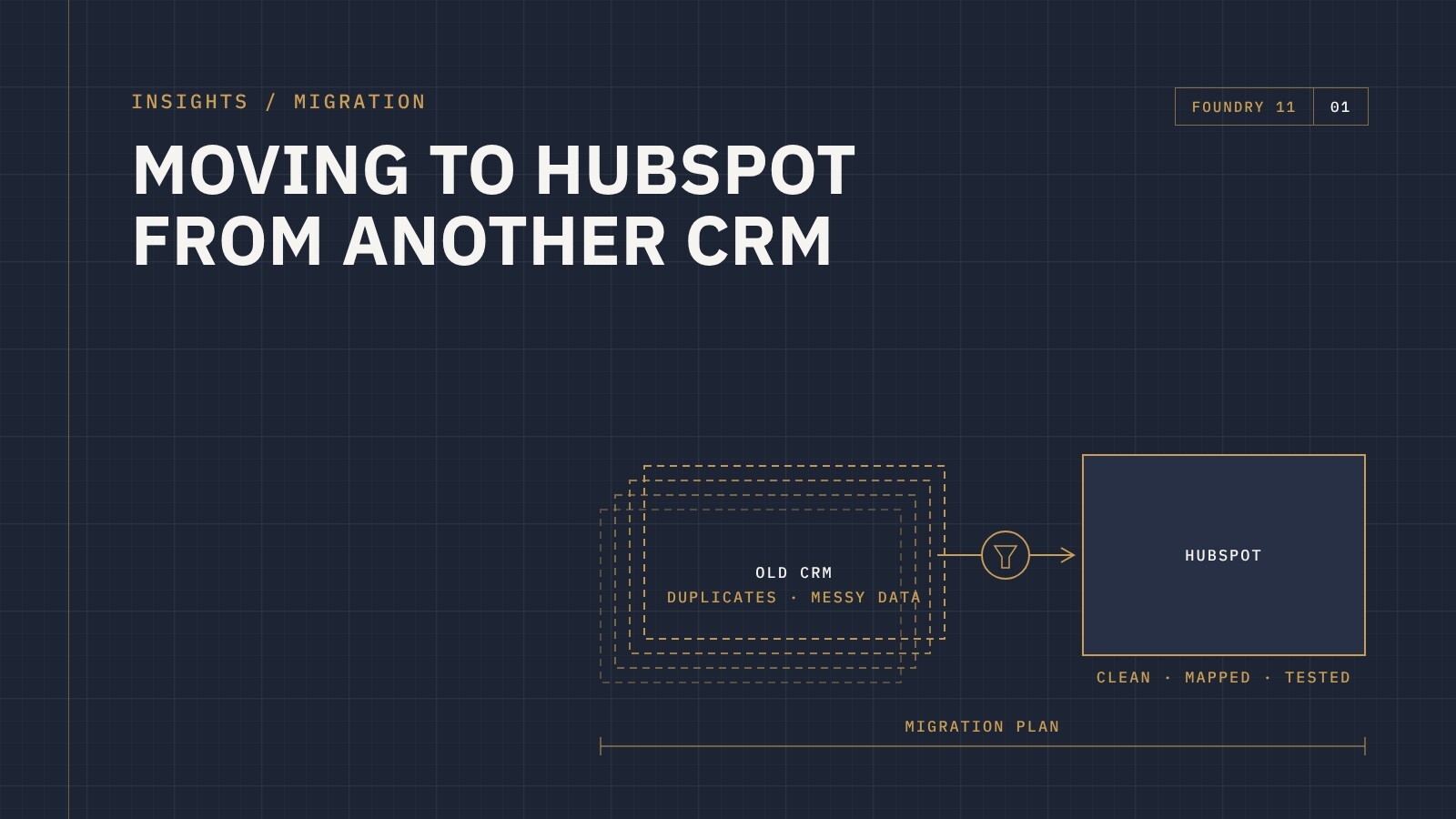
You've decided your current CRM isn't working. Maybe it's too clunky, too expensive for what you use, or your team has quietly stopped using it. HubSpot looks like the answer. Then someone asks the question that stalls the whole project: what happens to all our data?
A CRM migration is rarely as simple as exporting a spreadsheet and importing it somewhere else. Done well, it's a chance to clean up years of mess and set your business up properly. Done badly, you move all your old problems into a new, more expensive system.
Here's what a migration actually involves, and where it usually goes wrong.
Start with what you want, not what you have
The most common mistake is treating a migration as a copy job. Teams try to recreate their old CRM inside HubSpot, field for field, stage for stage. You end up with the same clutter, just on a different platform.
Before anything moves, step back and answer a few questions:
- How does your sales process actually run today, not how it was set up five years ago?
- What information does each team genuinely use, and what's just been collected out of habit?
- What reports does leadership need, and what data has to exist to produce them?
The answers shape how HubSpot should be set up. The migration then fills that structure, rather than dictating it.
What usually moves across
Most migrations cover the core records and the relationships between them:
- Contacts and companies, including the custom fields you actually use
- Deals or opportunities, mapped to new pipelines and stages
- Associations, so contacts stay linked to the right companies and deals
- Owners, so records land with the right people in your team
- Notes, emails and activity history, where it's worth keeping
- Tickets or cases, if your old system handled customer service
What often doesn't (and why that's fine)
Not everything should come across. Old automations, workflows and email templates were built around the old system's logic, so they're better rebuilt properly in HubSpot than translated. Ancient activity logs, abandoned fields and records nobody has touched in years often add noise without adding value.
Deciding what to leave behind is one of the most valuable parts of a migration. If you're worried about losing history, keep a full export of the old system archived so it's there if you ever need it.
Clean before you move
Every CRM collects duplicates, half-finished records and inconsistent data over time. Moving that straight into HubSpot means your new system starts with the same trust problems as your old one.
Before migrating, it's worth:
- Merging duplicate contacts and companies
- Standardising things like country names, phone formats and job titles
- Archiving or removing records that are clearly dead
- Agreeing what each lifecycle stage and deal stage actually means
Map every field deliberately
Field mapping is where the real detail lives. Every field in your old system needs a decision: map it to an existing HubSpot property, create a new custom property, combine it with another field, or leave it behind.
Dropdown values need the same attention. If your old system had "Qld", "QLD" and "Queensland" as separate options, now is the time to make them one.
Test with a sample first
Never migrate everything in one go without testing. Move a small, representative sample first, then check it with the people who will use it every day. Do the records look right? Are associations intact? Does the pipeline make sense? Problems found at this stage take minutes to fix. Found after go-live, they take weeks.
Plan the cutover
At some point your team switches from the old system to HubSpot. That moment needs a plan:
- A clear date when the old system becomes read-only
- A final sync of anything that changed during the project
- Training before go-live, not after
- Someone your team can go to with questions in the first few weeks
Running both systems side by side for too long creates confusion about which one is right. Keep the overlap short and deliberate.
The bottom line
A CRM migration is as much about process as it is about data. The businesses that get the most out of moving to HubSpot are the ones that use the move to rethink how they work, rather than simply relocating their old setup.
If you're weighing up a move to HubSpot from Salesforce, Odoo or another CRM, get in touch and tell us where things are at. We'll talk through what a migration would look like for your business.